
Shopify's Knowledge Base tells AI shopping agents what your store sells and how it works. Use this 11-step checklist to fix wrong facts and fill the gaps.
Part 1 of the Agentic Commerce Checklists for Shopify series.
When I opened my Shopify Knowledge Base for the first time, it said Collage and Wood was veteran-owned.
It isn't. Tom, the Navy veteran who cuts most of my wood, is a contractor. My site never claimed my shop was veteran-owned. Shopify's scan put two and two together and got five, and every AI shopping agent reading my store could have repeated it.
That's why the Knowledge Base comes first in this series.
What is the Shopify Knowledge Base?
The Shopify Knowledge Base is a list of facts and FAQs about your store. You'll find it in your Shopify admin under the Agentic channel, then Knowledge base. AI shopping agents use these facts to answer shopper questions about your store, like what you sell, where you ship and how long orders take.
Shopify fills the Knowledge Base by scanning your site. So the Knowledge Base repeats whatever your pages say, right or wrong. This checklist fills the gaps and fixes facts that disagree with each other, and it works for any Shopify store.
When to update your Shopify Knowledge Base
- After a policy, shipping, pricing or production time change
- After you add a new product line or retire one
- After Shopify runs a new scan, since scanned facts can pick up old or wrong copy
- Every 3 months, even if nothing changed
The Shopify Knowledge Base checklist
You'll need Claude connected to your Shopify store, plus Claude in Chrome, because the Knowledge Base is edited in your Shopify admin.
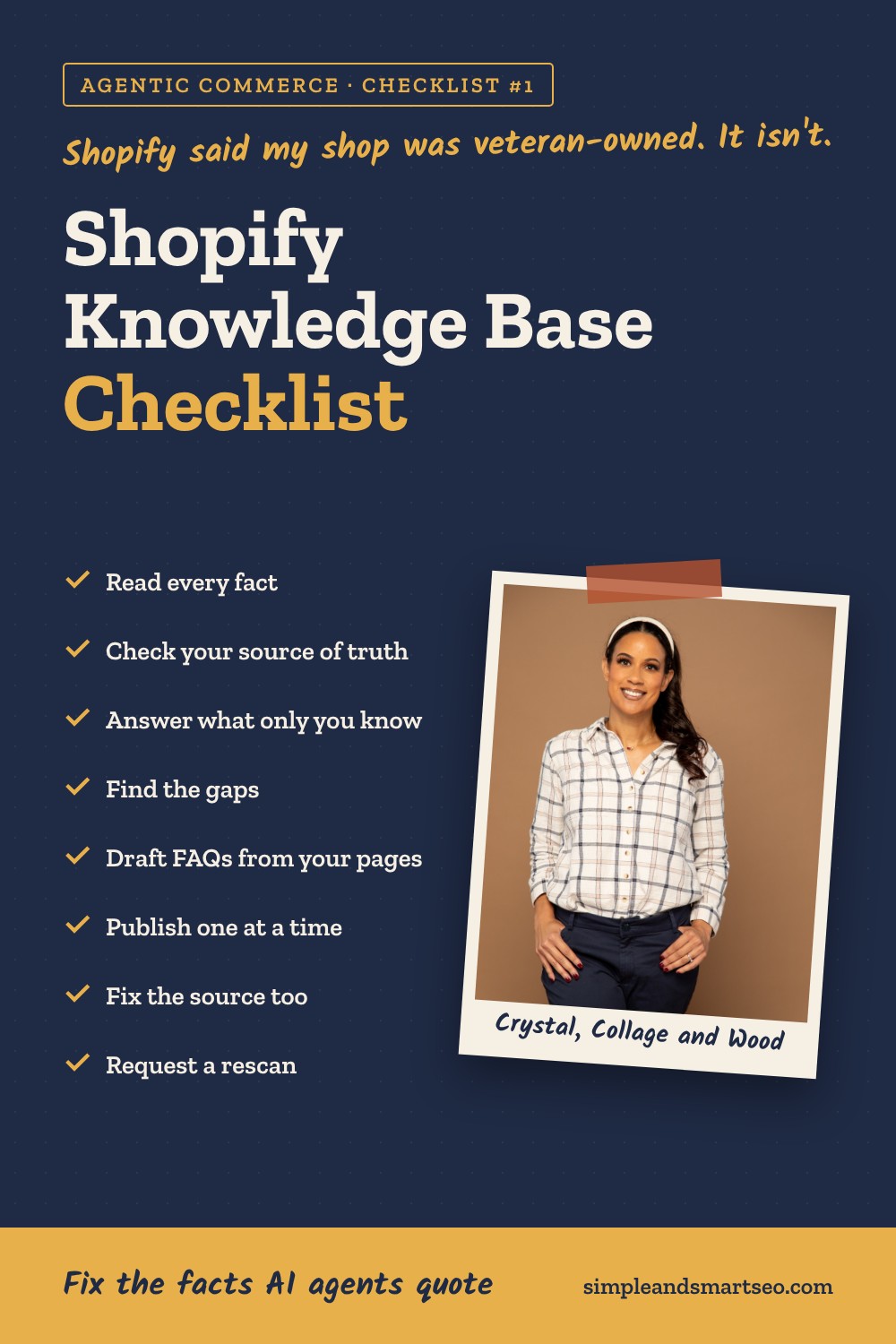
- Read every fact. Ask Claude: "Open my Shopify Knowledge Base and list every fact with its source (Scanned or Manual) and whether it's published."
- Compare against your source of truth. Ask Claude: "Check each fact against my store policies, shipping settings, FAQ page and product pages. Flag anything wrong, missing, or that disagrees with another source." Look extra closely at the Description, Target audience, Brand values, Delivery countries and contact facts.
- Answer what only you know. Claude will ask about things your store can't confirm, like who makes your products or whether a claim is true. Never let a guess go in as a fact.
- Find the gaps. Ask Claude: "What would a shopper or AI agent ask before buying that my Knowledge Base can't answer yet?" Common gaps are how ordering works, photo or file requirements, sizes, timelines, custom orders, wholesale or team orders, damaged orders and reviews.
- Draft new FAQs from your live pages. Have Claude pull the wording from your FAQ page, policies and product pages so nothing contradicts your site. Approve or edit each FAQ.
- Switch a fact to Manual before editing it. A Scanned fact can't be edited until its source is set to Manual.
- Add and publish facts one at a time. Click Add fact, enter the question and answer, publish it, then click Save and wait for the save to finish before the next fact.
- Reload and confirm. After the last save, reload the page and check the count of published facts.
- Fix the source too. If a fact was wrong because a page, policy or setting was wrong, fix that source as well. Otherwise the next scan brings the old fact back. (Checklist #4 and Checklist #5 cover shipping and policies.)
- Request a rescan. Click Request rescan, add a short reason, and recheck in 48 hours. New scanned facts wait for your approval.
- Log it. Write every change in your SEO tracker, and put anything still open on a follow-up list.
What I found in the Collage and Wood Knowledge Base
My Knowledge Base was mostly Shopify's default facts, with only a handful of FAQs. After this checklist, it has about 70% more facts, every fact is published, and the FAQ count went up almost 5 times.
| What I found | How I fixed it |
|---|---|
| The Description and Brand values said "veteran-owned." Shopify generated that; my site never said it. | Removed. The fact now says Tom, a Navy veteran contractor, does most of the wood cutting. |
| The Description and Target audience covered only collages and senior gifts | Rewritten to include wooden letters, milestone birthdays, photo studios, churches, schools and realtors |
| The bulk orders FAQ used one email address and the contact fact used another | Both set to the same email, plus a link to the quote page |
| Delivery countries listed nearly every country, but I ship only in the US | Fixed at the source by removing old international shipping zones (Checklist #4) |
| My policies changed after the last scan | Rescan requested |
The new FAQs answer what my customers actually ask: how ordering works, how many photos to send, photo quality, design changes, posters vs. wooden collages, finishes, custom commissions, where pieces are made, damaged orders and reviews.
Make a store facts sheet
Before you edit anything, write down the facts that should match everywhere: your Knowledge Base, policies, FAQ page and product pages. Here's part of mine:
| Topic | Collage and Wood fact |
|---|---|
| Founded | 2014, on Etsy |
| Shipping area | US only |
| Free shipping | Free ground shipping on US orders over $50 |
| Wooden letters and numbers | Unfinished: about 6 to 10 business days. White, painted or stained: about 10 to 14 business days. |
| Display stands | Work with every product |
When a fact changes, update the sheet first, then every place on the list.
Shopify Knowledge Base gotchas
- A save can be lost if the page closes too soon. Always reload and confirm your published facts.
- "Year founded" shows as "2014.0". That's how Shopify displays the number field. Entering 2014 doesn't change it, and there's nothing to fix.
- Delivery countries can't be edited directly. They come from your shipping zones and Markets.
- Policies may not be editable through Claude's Shopify connection. Claude can edit them in your admin through Chrome instead.
- Rescans take up to 48 hours, and anything new they pick up waits for your approval.
Next in the series
Your Knowledge Base is only as accurate as the product data behind it. Checklist #2: Product Data AI Agents Read walks you through categories, attributes and the claims agents repeat word for word.
Want help with your Shopify store?
Want to do it yourself, with help? Join AI SEO Skool. We work through store fixes like this one together on our weekly live calls. Bring your Shopify store and your questions, and leave with your next fix done.
Want it done for you? Book a free 20-minute call with me, and we'll talk through what your store needs.