
AI shopping agents read your Shopify product fields directly. Use this checklist to fix vague categories, empty attributes and claims your policies don't back up.
Part 2 of the Agentic Commerce Checklists for Shopify series.
One of my $20 wooden numbers said "free shipping" in its description. My free shipping starts at $50.
A customer might skim right past that line. An AI shopping agent won't. Agents repeat product claims word for word, so one copied sentence can turn into a promise you never made.
AI shopping agents read your product fields directly from Shopify Catalog: the category, the attributes, the description, the SEO description and the tags. Every field needs to be specific, accurate and consistent with your policies. Work through this checklist with Claude connected to your Shopify store.
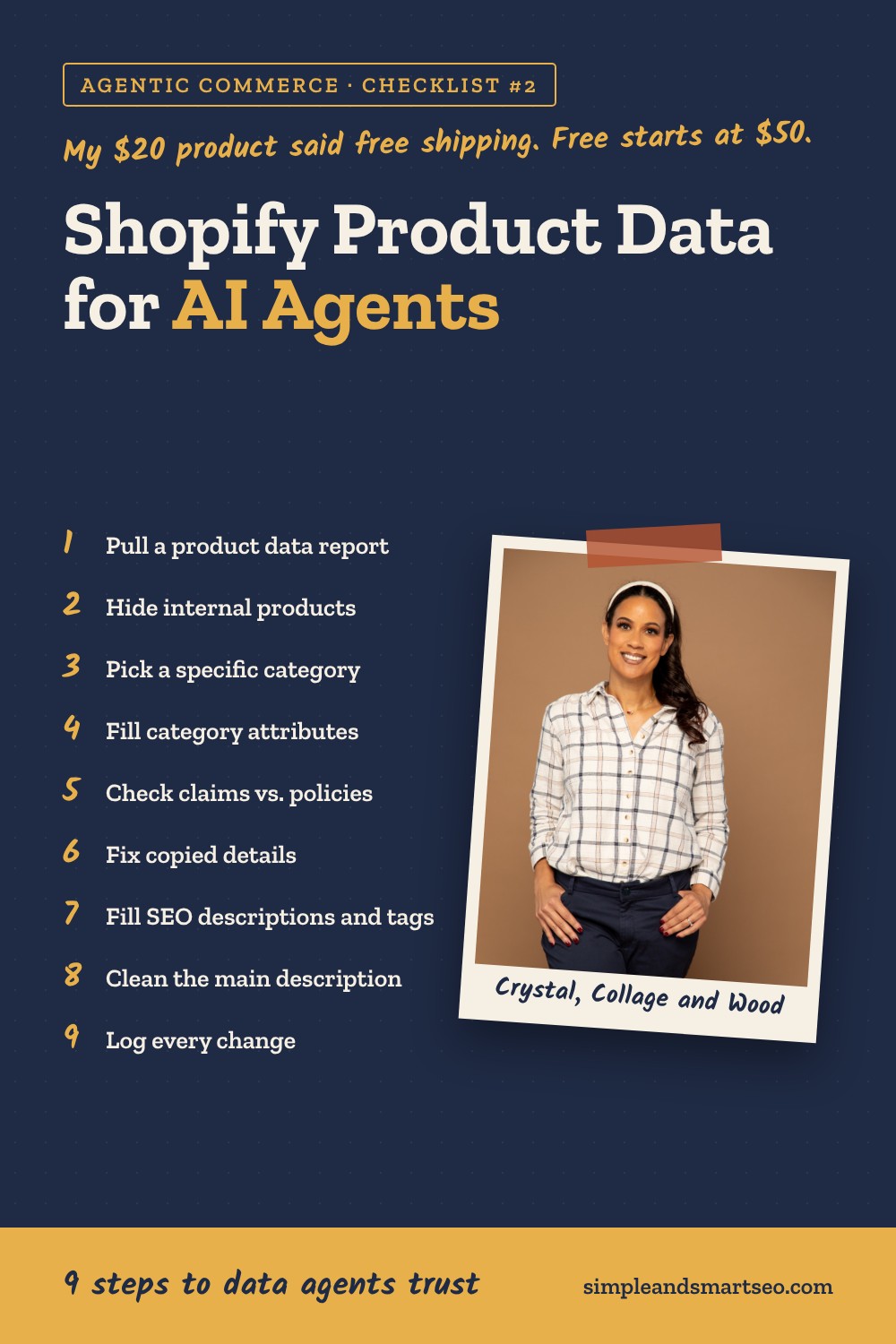
The Shopify product data checklist
- Pull a product data report. Ask Claude: "List every active product with its category, product type, tags, SEO description, photo count and variant count. Flag anything missing or generic."
- Hide internal products from agents. Add-on fees, rush options and placeholders should be unpublished from Shopify Catalog (the Agentic channel), tagged
do-not-list, and left out of your "All products" collection. - Give every product a specific category. Replace "Uncategorized" and broad categories like "Home & Garden > Decor" with the most specific category in Shopify's Standard Product Taxonomy. Ask Claude to look up the real category names, never guess them.
- Fill in the category attributes. Once a product has a specific category, Shopify adds built-in fields like color, material and theme. Fill those fields from your own product details. Some categories don't offer every field, so if a key detail like material won't fit, look for a category that has that field.
- Check every claim against your policies. Search descriptions and SEO descriptions for "free shipping," "ships in," "worldwide," "guaranteed" and "next day." Fix any claim that a product's price or your policy doesn't support.
- Fix copied or outdated details. Look for tags from another product, last year's dates, wrong sizes or sport names, and wording like "unpainted" that leaves out options you sell.
- Fill missing SEO descriptions and tags. Every active product should have both.
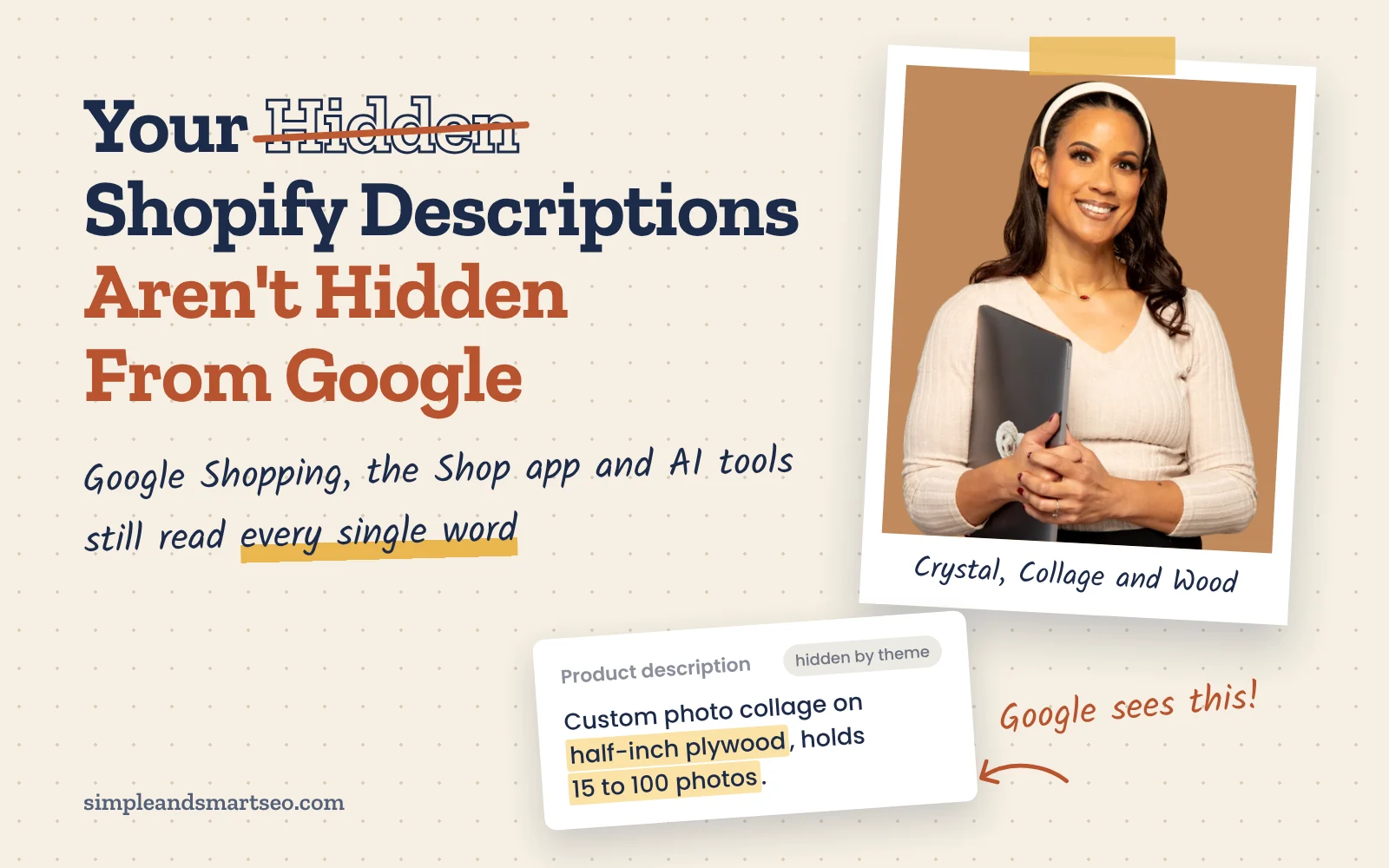
- Clean the main description too. Even if your theme hides the main description, Google Shopping and AI catalogs still read it. Remove raw code, outdated copy and anything inaccurate.
- Log every change in your SEO tracker with the date, product and reason.
What I found in the Collage and Wood product data
| What I found | How I fixed it |
|---|---|
| A rush production add-on was active and uncategorized | Unpublished from Shopify Catalog, removed from All Products with a do-not-list rule, and raw code cleaned out of its description |
| About 1 in 4 active products had no category or a generic "Decor" category | About 30% of products moved to specific categories: photo props to Party Supplies, name signs to Decorative Plaques, holiday letters to Seasonal & Holiday Decorations |
| Category attribute fields were empty | Filled on about 95% of active products (material, color, theme, celebration type, wood type and frame style) from the custom fields that already run my site filters |
| A $20 wooden number said "free shipping" | Claim removed, since free shipping starts at $50 |
| "Ships in 7 to 10 days," "guaranteed on-time" and a 2027 photo prop called "24" | Rewritten to match my current delivery wording |
| Two wooden numbers said "delivered worldwide" | Changed to "shipped across the US" |
| "Wooden numbers are unpainted" | Corrected, since painted finishes are available by request |
| An old softball description was full of blog links | Replaced with a short summary written for product feeds |
Some fields can't hold everything. Shopify's Signage category has no material field, so my business signs and realtor key keep "plywood" in my own custom fields only.
Next in the series
Specific product data tells agents what you sell. Star ratings tell them whether to trust it. Checklist #3: Review Data shows you how to get stars showing on products that have none, without collecting a single new review.
Want help with your Shopify store?
Want to do it yourself, with help? Join AI SEO Skool. We work through store fixes like this one together on our weekly live calls. Bring your Shopify store and your questions, and leave with your next fix done.
Want it done for you? Book a free 20-minute call with me, and we'll talk through what your store needs.