

A leftover Rest of World zone can tell AI shopping agents your Shopify store ships worldwide. This 8-step checklist cleans up your shipping settings in 30 minutes.
Part 4 of the Agentic Commerce Checklists for Shopify series.
Collage and Wood ships only in the US. My Shopify Knowledge Base listed almost every country in the world as a delivery country.
I never set that on purpose. Old Rest of World zones were sitting in my shipping profiles, and Shopify's Knowledge Base builds its "Delivery countries" fact from your shipping zones. So AI shopping agents had every reason to tell an international shopper I'd ship to them.
If you ship only to the US, your Shopify settings need to say so everywhere. This checklist takes about 30 minutes.
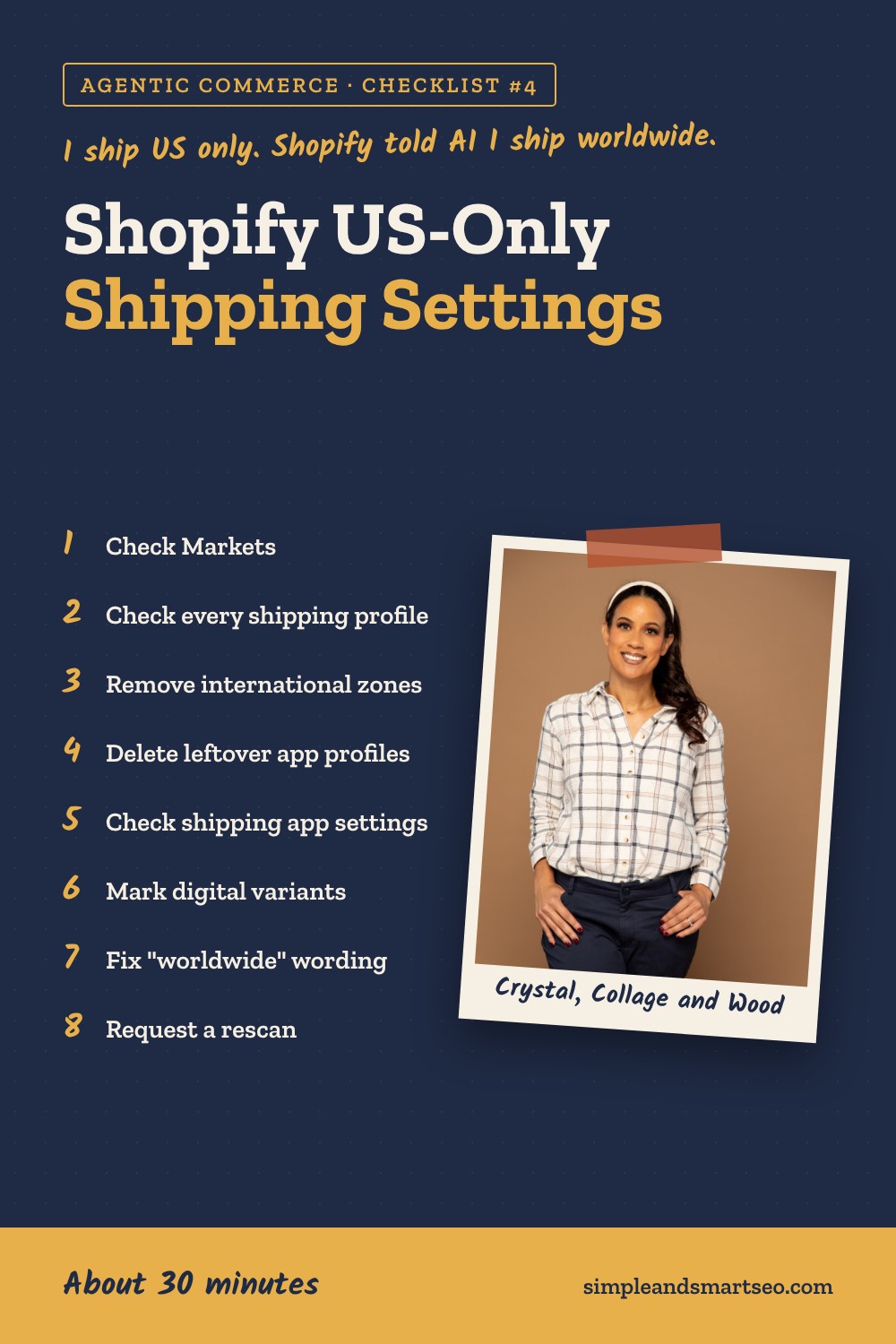
The US-only shipping checklist
- Check Markets. Settings → Markets. Only the United States should be active.
- Check every shipping profile. Settings → Shipping and delivery. Open each profile and look for a "Rest of World" or international zone. Ask Claude: "List every delivery profile with its zones, countries and active rates." Make sure Claude pages through all of them, not just the first 10.
- Remove international zones. Delete any zone outside the US, then confirm every US rate is still active.
- Delete leftover print-on-demand profiles. Apps like Gelato, Printful and Printify create their own shipping profiles and leave them behind when you uninstall the app. Ask Claude to list profiles with zero products and zero zones, check that the app is uninstalled, then delete them.
- Check third-party app settings. In each fulfillment or shipping app you still have installed, check its own shipping countries and rates. An installed app can recreate the profiles you deleted.
- Set digital variants to "not a physical product." Open the product, click the digital variant (for example "Digital File"), and uncheck This is a physical product under Shipping. Do this per variant, so a poster's framed print still ships and its digital file doesn't. Digital orders then skip shipping charges and drop out of your tracking numbers.
- Fix "worldwide" wording. Search product descriptions, SEO descriptions and policies for "worldwide" and "international."
- Request a Knowledge Base rescan. Agentic → Knowledge base → Request rescan. Rescans can take up to 48 hours, so recheck "Delivery countries" after that.
What I found in the Collage and Wood shipping settings
| What I found | How I fixed it |
|---|---|
| The Knowledge Base listed nearly every country as a delivery country | Traced to Rest of World zones in 4 shipping profiles; every one of those zones removed |
| Only the US market was active | No change needed, since international shoppers already couldn't check out |
| Dozens of empty shipping profiles left behind by Printful, Gelato and Printify | All deleted; none of those apps is still installed |
| "Delivered worldwide" on 2 product pages | Changed to "shipped across the US" |
| Digital posters were set to require shipping | Still open: uncheck "This is a physical product" on each digital variant |
One lesson: my first profile check only showed 10 profiles, which hid most of the leftovers. Always page through the full list.
Next in the series
Your shipping settings are fixed. Now make sure your policies say the same thing. Checklist #5: Store Policies walks you through the contact details, timelines and leftover code that AI agents repeat.
Want help with your Shopify store?
Want to do it yourself, with help? Join AI SEO Skool. We work through store fixes like this one together on our weekly live calls. Bring your Shopify store and your questions, and leave with your next fix done.
Want it done for you? Book a free 20-minute call with me, and we'll talk through what your store needs.