
Your Shopify store policies feed the answers AI shopping agents give about returns, shipping and contact details. Use this checklist to fix mismatches and leftover code.
Part 5 of the Agentic Commerce Checklists for Shopify series.
Every one of my Shopify store policies listed an old email address. My Knowledge Base and FAQ page listed the right one.
That's the kind of mismatch nobody notices until a customer emails the wrong inbox. AI shopping agents notice right away, because store policies feed Shopify's Knowledge Base and the answers agents give about returns, shipping and contact details. One wrong email or timeline in a policy gets repeated everywhere.
This checklist takes 30 to 60 minutes.
The Shopify store policies checklist
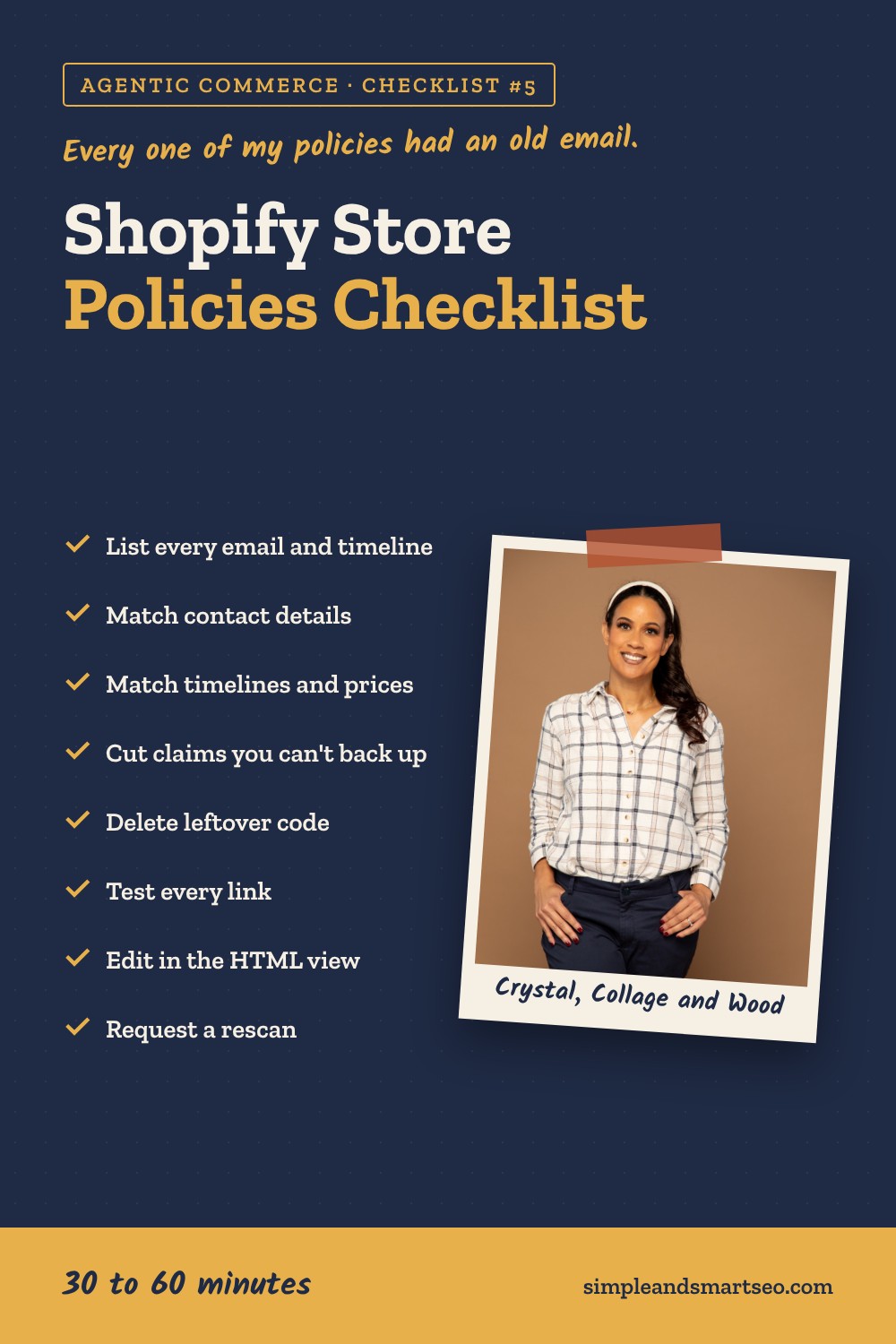
- Pull all your policies at once. Ask Claude: "Read all my store policies and list every email, phone number, timeline, price, country and promise in them."
- Match contact details. Every policy, your Knowledge Base and your Contact page should use the same email and phone number.
- Match timelines and prices. Production times, proof times, rush options, free shipping thresholds and event deadlines should match your product pages and FAQ word for word.
- Remove claims you can't back up. Look for "guaranteed," "worldwide," "next day" and anything about a product line you've retired.
- Find leftover code and AI filler. Look for raw HTML shoppers can see (
<p>,–, empty encoded tags), bracketed placeholders like [Your Store Name], repeated sections, and generic AI-written paragraphs that don't describe your store. Delete them. - Test every link and email. Click each one. Watch for links split across two tags, which can show one address and send to another.
- Edit in the HTML view. Shopify admin → Settings → Policies → open the policy → switch to HTML (the
<>button) → use Cmd+F to find and replace → Save. Claude's Shopify connection may not have permission to edit policies, so Claude can make these edits in your admin through Chrome. - Verify after saving. Ask Claude to read your policies again and confirm the old text is gone and nothing else changed.
- Request a Knowledge Base rescan so the Knowledge Base picks up your new policies.
What I found in the Collage and Wood store policies
| What I found | How I fixed it |
|---|---|
| Every policy used an old email address, while the Knowledge Base and FAQ used the current one | Replaced in every policy: return and refund, shipping, privacy, terms of service, contact and legal notice |
| The legal notice email link was split across two tags | Rebuilt as one working link |
| Claude's Shopify connection couldn't edit policies | Claude edited them in the Shopify admin HTML view through Chrome, then double-checked the saved text |
| The refund and shipping policies start with an empty encoded tag left over from pasted text | Still open: delete the tag in the HTML view |
Next in the series
With your policies matching, it's time to look at Shopify's Shop Promise badge. Checklist #6: Shop Promise covers what the program takes now, and the questions to ask before you turn it on.
Want help with your Shopify store?
Want to do it yourself, with help? Join AI SEO Skool. We work through store fixes like this one together on our weekly live calls. Bring your Shopify store and your questions, and leave with your next fix done.
Want it done for you? Book a free 20-minute call with me, and we'll talk through what your store needs.