
Record a baseline, run a monthly AI visibility check and compare season to season. This checklist shows Shopify store owners how to tell which fixes actually worked.
Part 9 of the Agentic Commerce Checklists for Shopify series. Read this one first, so your baseline is in place before you change anything.
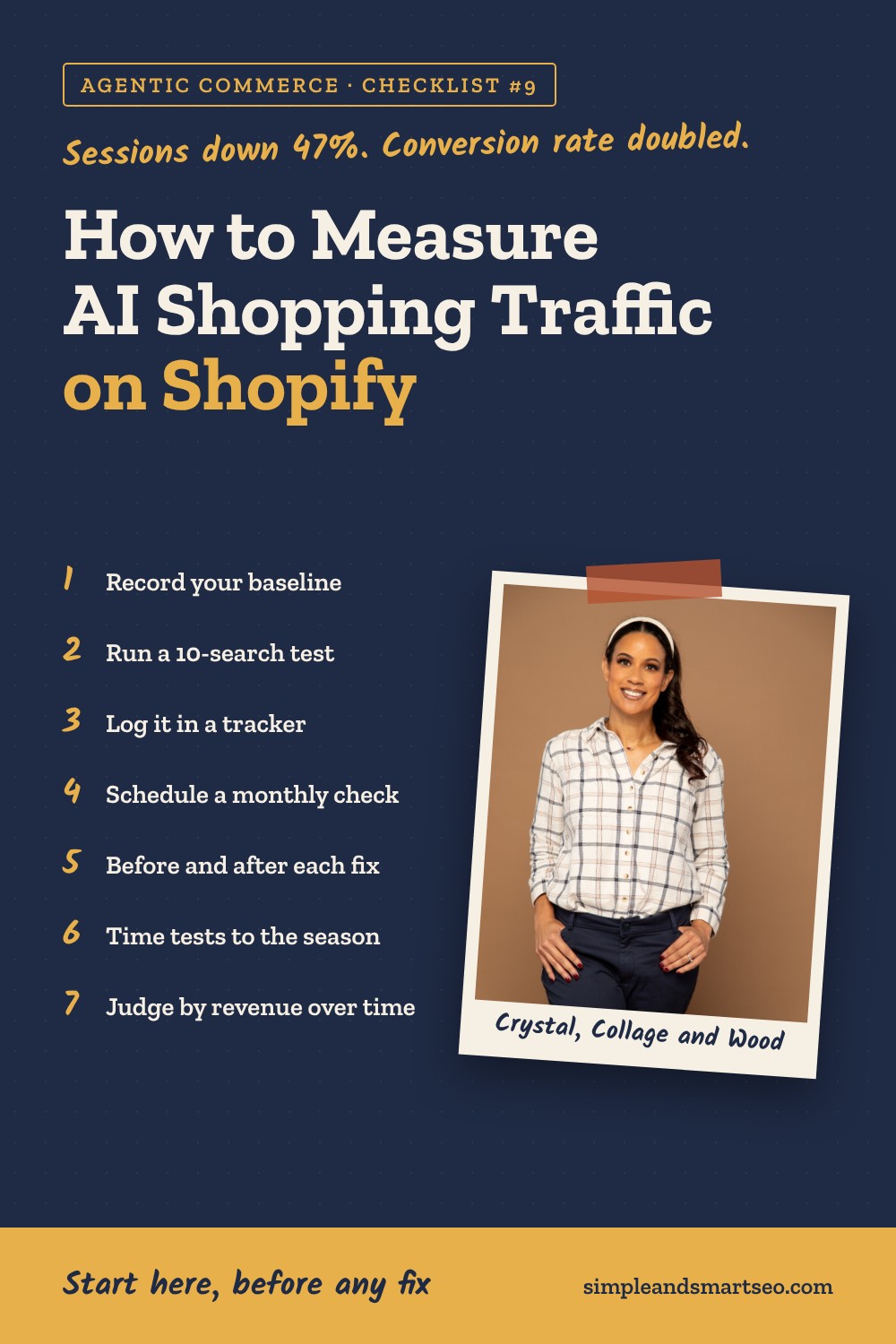
When I recorded my baseline, my store sessions were down about 47% from the same 30 days last year.
That sounds scary until you look at the next number: my conversion rate was about double. Collage and Wood is a very seasonal store. Senior night, graduation and the holidays move my traffic far more than any single fix I make.
That's why seasonal stores can't judge a change by comparing this month with last month. Record a baseline before you change anything, then check the same numbers every month against the same period last year.
The measuring results checklist
- Record your baseline on the day you start. Ask Claude to pull these from Shopify analytics:
- store sessions and conversion rate, last 30 days vs. the same 30 days last year
- sessions from ChatGPT, Perplexity, Gemini, Copilot and Claude
- orders from AI referrers, from ChatGPT or Copilot checkout, and from the Shop app
- Run a prompt test. Pick 10 real buyer searches for your products. Note whether your site shows up, and where your other channels (like Etsy or Amazon) show up. Keep the same 10 searches every month.
- Log it in a tracker with one row per month and one row per search, so trends build over time.
- Schedule a monthly check. Ask Claude to set up a scheduled task that reruns steps 1 and 2, adds the rows and sends you a summary.
- Set a before and after check for each SEO change. In Search Console, filter to the page and compare the 28 days before the change with the 28 days after, then compare with the same period last year.
- Time tests to the season. A sport or holiday page changed after its season ends will show falling numbers no matter what you did. Change the page before the season and compare season to season.
- Judge by revenue over time, not one month of traffic. Expect AI channels to take 4 to 8 weeks to pick up catalog changes.
- Write down the verdict: win, no change or inconclusive, and what you'll do next.
What I found at Collage and Wood
| What I measured | Result |
|---|---|
| Baseline, November 18, 2026 | Store sessions down about 47% from the same 30 days last year; conversion rate about double last year's |
| AI referrals in Shopify analytics | None in the last 30 days, though ChatGPT sent a steady trickle of visits over the past year |
| The Agentic channel page in my Shopify admin | A small amount of revenue in the 30 days before my baseline, all from ChatGPT. This page counts differently from referrals, so I track both. |
| Prompt test | My site showed up in none of my 10 searches; my Etsy shop showed up in 1 |
| A volleyball "poster ideas" title change | Inconclusive: same click rate as last year, but impressions fell about 64% as the season ended |
| My "What is senior night" blog update | A modest win: clicks from those searches went up 6 times |
| A softball "poster ideas" test | Still running; I'll compare February to May 2027 with February to May 2026 |
My results live in an AI visibility tracker that a scheduled task updates on the 18th of every month.
Start with the full series
With your baseline recorded, go back to the Agentic Commerce Checklists for Shopify and start with Checklist #1: Shopify Knowledge Base.
Want help with your Shopify store?
Want to do it yourself, with help? Join AI SEO Skool. We work through store fixes like this one together on our weekly live calls. Bring your Shopify store and your questions, and leave with your next fix done.
Want it done for you? Book a free 20-minute call with me, and we'll talk through what your store needs.