AI shopping agents show your product images and read their alt text. Use this checklist to fix single-photo listings, placeholder images and missing alt text.
Part 7 of the Agentic Commerce Checklists for Shopify series.
When I checked my own store, about 7% of my active products had only one photo. A few of my newest product pages were still using a "Coming soon" image as the main photo.
A shopper who already knows my work might not mind. An AI shopping answer puts my listing right next to my competitors. AI shopping agents show your product images and read their alt text, and a product with one photo, or a "Coming soon" placeholder, looks unfinished next to a listing with several.
The Shopify product photos checklist
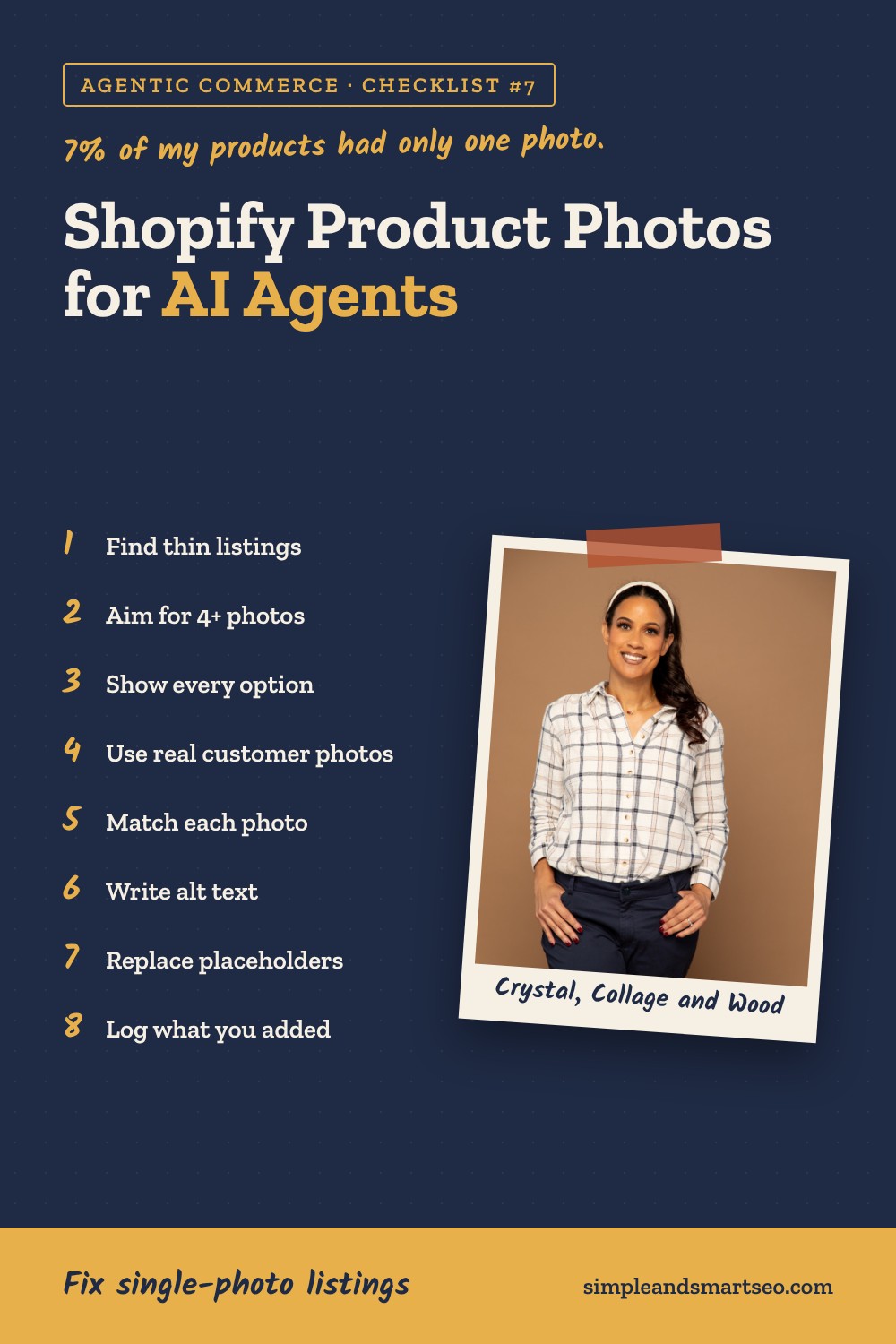
- Find thin listings. Ask Claude: "List my active products with fewer than 3 images, and any whose main image is a placeholder like 'Coming soon.'"
- Aim for at least 4 images per product: the product alone, the product in use, a close-up of detail or texture, and a size reference (next to a person, or a size comparison graphic).
- Show every option you sell. If a product comes in white, stained or framed, show each option, or say clearly in the description which photo shows which option.
- Use real customer and project photos where you have permission. Real photos prove the product exists and arrives as shown.
- Check that each image matches the product. Watch for photos copied from another sport, color or product.
- Write alt text for every image. Describe what's in the photo, include one product keyword, and keep the alt text under about 125 characters. Ask Claude to draft alt text for any image that's empty or vague.
- Replace placeholders before publishing to Shopify Catalog. A "Coming soon" image tells agents the product isn't ready.
- Log what you added in your SEO tracker so you can compare sales before and after.
What I found in the Collage and Wood product photos
About 7% of my active products had only one photo, and every one of those listings is still on my to-do list:
- Two of my graduation photo props
- My Mother's Day and Father's Day photo backdrop letters
- My Cross Country senior night poster
- My Cheer and Color Guard senior night collages and posters
The Cheer and Color Guard Identity Series pages also use a "Coming soon" image as their main photo.
My alt text rule for this store: keep at least one keyword and "collageandwood.com" in the alt text of every image.
Next in the series
New photos, new tags, new descriptions: it adds up fast. Checklist #8: Clean Up and Documentation shows you how to keep your product data clean and log every change so you know which fix moved your numbers.
Want help with your Shopify store?
Want to do it yourself, with help? Join AI SEO Skool. We work through store fixes like this one together on our weekly live calls. Bring your Shopify store and your questions, and leave with your next fix done.
Want it done for you? Book a free 20-minute call with me, and we'll talk through what your store needs.